Ask four departments how much stock the company has. You’ll get four answers. Sales checks their sheet. Finance checks theirs. The warehouse counts the shelves. HR says “not my job.”
That’s what happens when business tools live on separate islands. People type the same thing twice. Reports show up late. Nobody trusts the numbers. ERP software fixes this by joining finance, inventory, sales, purchasing, and HR in one system. This guide from Connect Solutions covers the key features of an ERP system, and what each one actually does for you.
1. What is a modern ERP software system?
ERP means enterprise resource planning. An ERP system links the main parts of a business together.
They all use one central database, so everyone looks at the same facts. Running the day gets easier when you don’t have to ask which number is right.
Newer systems often add cloud access, automation, analytics, and mobile use. But what you get depends on the provider and the product. Two ERP systems can be very different animals.
2. What are the key features of modern ERP software?
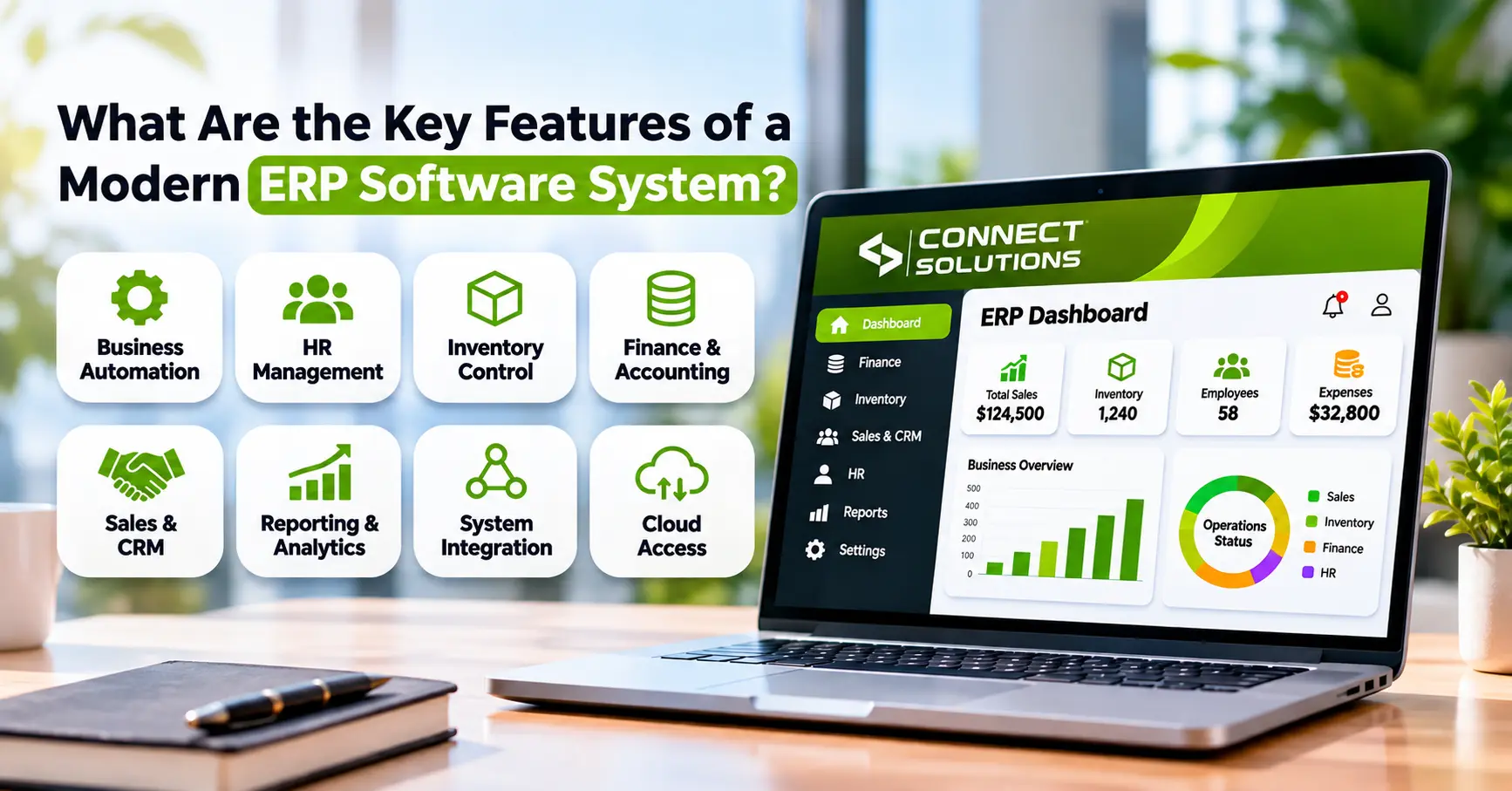
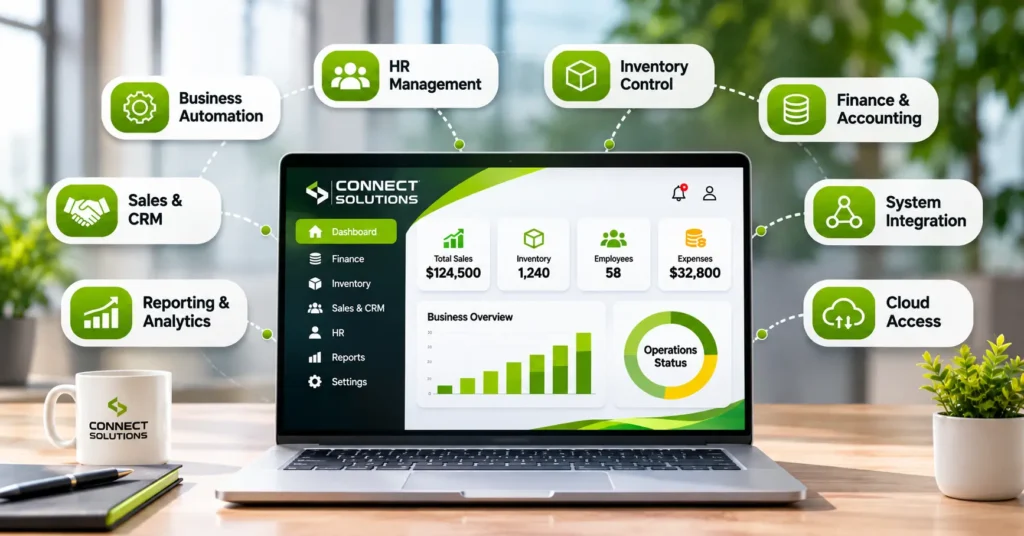
Here are the modern ERP software features worth knowing about.
1. Cloud-based access
With cloud-based ERP software, you reach your business information through the internet, from supported devices. You don’t need as much equipment in your own office, and it can grow with you.
Hosting, upkeep, and price change from one provider to the next, so ask about all three. A lot of modern systems use the Software as a Service (SaaS) model. You pay to use the software, and the provider looks after it.
2. Centralized database and real-time integration
Finance, inventory, sales, purchasing, and HR all plug into the same place. You enter something once. That’s it.
When one team updates a record, the others can see it. There’s less mix-up and less “I thought you’d done that.”
3. Financial management
An ERP financial management system deals with the money. Who owes you, who you owe, where the cash went, and how the month looks. It handles payables and receivables, tracks income, expenses, and cash flow, and makes financial reports.
Some also support tax calculations and multi-currency transactions, where available.
4. Inventory and supply chain management
ERP software with inventory management keeps track of stock across warehouses and shows how it moves. You can set reorder levels, and purchasing steps are managed too.
Many systems support material requirements planning (MRP) and supplier management as well. In plain words, they help you order what you need at the right time.
5. Workflow automation and AI
Automation takes over the boring repeat jobs, like invoice processing and approvals. You type less.
Some systems also use artificial intelligence (AI) and machine learning (ML) to spot patterns and help with forecasts. But these features vary a lot. So ask what you really get, not what the brochure hints at.
6. Business intelligence and reporting
Dashboards show how the business is doing. You can follow your key performance indicators (KPIs), look at past trends, and check how operations are going.
It helps managers decide with data, not guesses.
7. Mobile access and role-based permissions
Authorized staff can use supported features from their phones. They can approve things from wherever they are and see what they need.
Access still depends on the person’s role. Your sales rep doesn’t need to see payroll.
8. Security and compliance
Role-based access control (RBAC) decides who can see what. Many systems also keep audit trails, where supported. Good security protects your data, and reports can help you meet compliance needs.
Not sure which ERP features your business needs? Call Connect Solutions on +92 300 1110365 or email info@connect-sol.com, and we’ll help you work it out.
3. How do ERP features work together?
Here’s a simple example. A customer places an order.
- The sales team records it.
- The inventory module checks the stock.
- Purchasing can see what needs restocking.
- Finance records the transaction.
- Managers see the new numbers in a report or dashboard.
Nobody types that order into three different systems. That’s what “integrated” really means. How it works in practice depends on how your ERP is set up.
4. Traditional ERP vs. modern ERP software
| Feature | Traditional ERP | Modern ERP |
| Deployment | Often installed on local infrastructure | May offer cloud, on-premises, or hybrid options |
| Data access | May be limited to configured locations and networks | Cloud versions can support remote access |
| Integration | May require additional configuration or connectors | Often designed to integrate business functions |
| Reporting | May rely on scheduled or separate reports | May provide interactive dashboards and real-time reporting |
| Automation | May depend on configured rules and customizations | May include expanded workflow automation |
| Updates | May require planned manual upgrades | SaaS versions may receive provider-managed updates |
One thing worth saying clearly. Cloud alone doesn’t make an ERP modern. Integration, ease of use, analytics, automation, and security count just as much.
5. How to choose an ERP system with the right features
You don’t need every feature. Here’s how to pick.
- Write down your most important business needs first
- Check that finance, inventory, sales, purchasing, and HR can work together
- Compare reporting and automation
- Look at security controls and user permissions
- Confirm mobile access, if you need it
- Ask about setup, training, support, and integration costs
- Choose something that can grow with you
You’ll hear big names like Microsoft Dynamics 365 and Oracle ERP. They sit at the larger end of the market. A smaller business may not need that much. Compare systems on what they do for you, not on the size of the name. The right ERP system for business management is the one that fits how you really work.
FAQs
What is an ERP system?
ERP stands for enterprise resource planning. It’s software that connects finance, inventory, sales, purchasing, and HR in one system.
What are the key features of a modern ERP system?
Cloud access, a central database, financial management, inventory and supply chain tools, workflow automation, reporting, mobile access, and security. Features vary by product.
What are the benefits of modern ERP software?
You get one source of data, less double entry, faster reports, and better control of operations. How much you gain depends on how well it’s set up and used.
What is cloud-based ERP?
It’s ERP software hosted online, so you use it through the internet. You rely less on your own servers. Pricing and upkeep differ by provider.
How does ERP help with inventory management?
It tracks stock across locations, shows how stock moves, and helps you set reorder levels. Some systems also support material requirements planning.
Does ERP software include financial management?
Most do. Typical tools cover payables, receivables, cash flow, and financial reports. Some add tax and multi-currency support.
Is ERP secure?
Good ERP systems use role-based access, security controls, and audit trails where supported. Ask the provider for the details.
Does every business need ERP software?
No. A very small business may do fine with simpler tools. ERP helps more as you grow and need your departments connected.
Conclusion
A modern ERP system ties your business together. The key features are cloud access, one central database, financial and inventory tools, automation, reporting, mobile access, and strong security. You may not need all of them.
Write down your needs first. Then compare systems on what they truly offer.
Want help choosing? Contact Connect Solutions on +92 300 1110365 or info@connect-sol.com, and we’ll help you find the right fit.