Here’s a common situation. The site looks great and the content is good, but the pages crawl, Google has skipped half of them, and anyone on a phone gives up before the first image turns up. A design review won’t catch any of that.
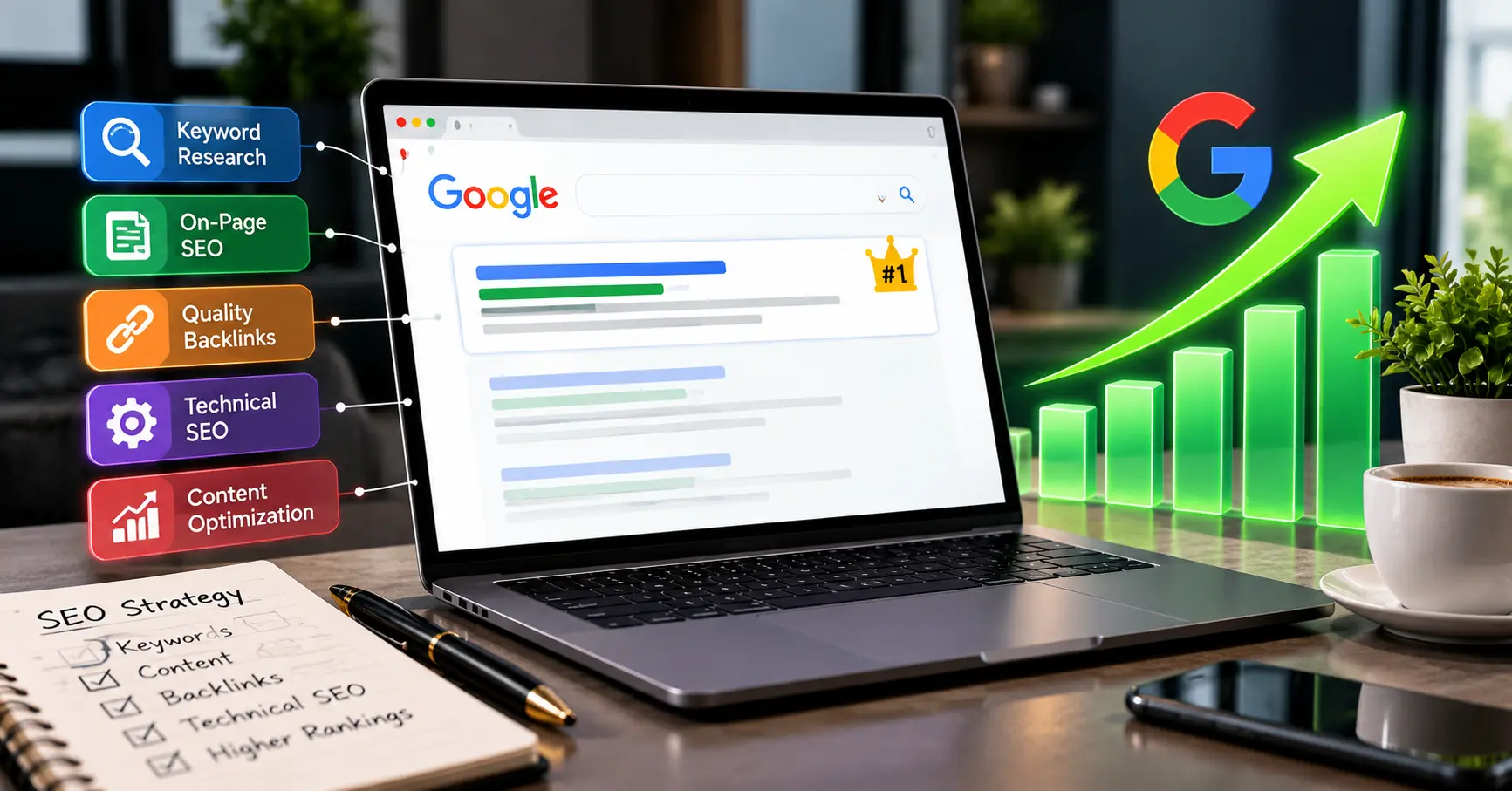
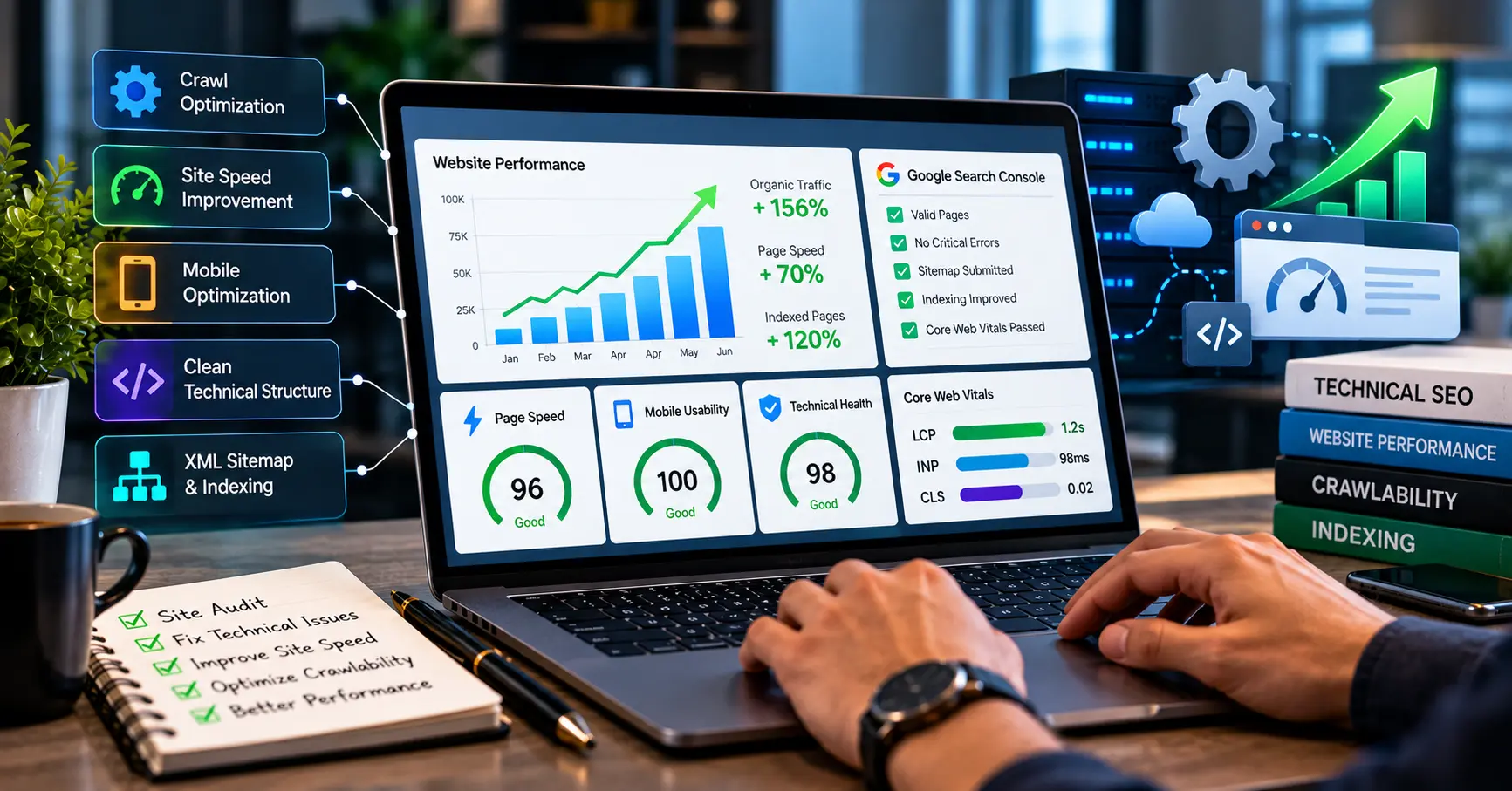
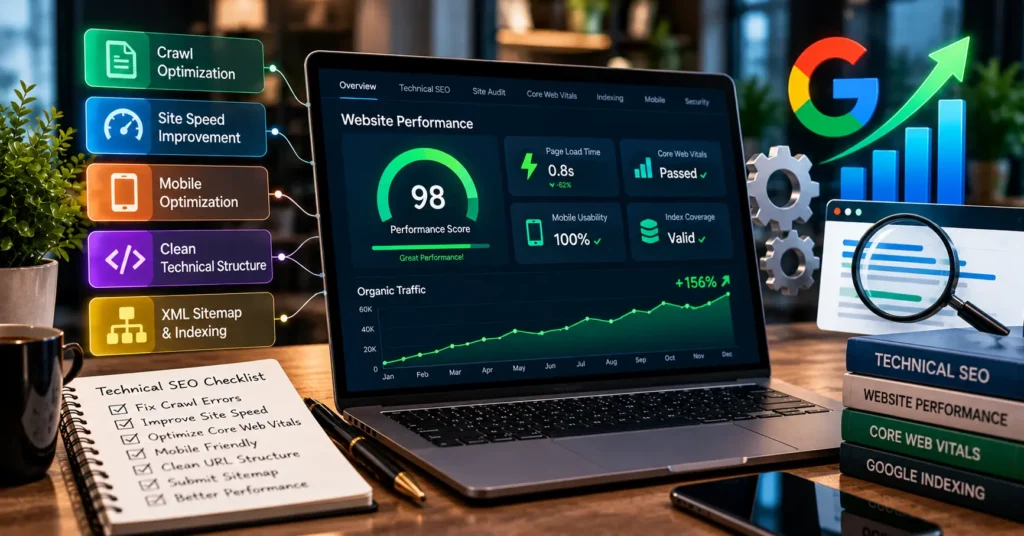
That’s the job of Technical SEO services repair the ground a site stands on: speed, mobile usability, crawlability, indexing, and security. Get it right and visitors enjoy the site more, and Google finds it easier to read. Connect Solutions does this kind of work, so this guide walks through what it involves and how it lifts website performance.
What are technical SEO services?
It’s the work that lets search engines reach your pages, make sense of them, and process them. Writing content and building links are separate jobs.
Most of the time that means a technical SEO audit for websites, speed fixes, indexing checks, and tidying up the site structure. I think of it as repairs to the building, not decorating the rooms.
One limit is worth saying early. Technical SEO backs up the rest of your SEO, but it can’t promise higher rankings. What it does is clear obstacles. Whether you win still depends on your content, your competition, and plenty of other things.
1. Website speed optimization improves user experience
Slow pages lose people. Nobody tapping a result on their phone is going to stand there waiting, and whatever they came for stays out of reach.
Website speed optimization is mostly the same handful of fixes, site after site:
- Compress images and size them for the screen they’re shown on
- Remove CSS and JavaScript the page never uses
- Turn on browser caching where it makes sense
- Make the server respond faster
- Use a content delivery network (CDN) if it suits the site
- Get rid of redirects you don’t need
These changes feed into Core Web Vitals, which is how Google scores loading, responsiveness, and visual stability. The recommended targets are:
- Largest Contentful Paint (LCP): 2.5 seconds or less
- Interaction to Next Paint (INP): under 200 milliseconds
- Cumulative Layout Shift (CLS): 0.1 or less
Reaching those numbers is what Core Web Vitals optimization is about. It improves page loading speed for real visitors, and it’s one of the clearest spots where technical SEO and user experience overlap.
2. Technical SEO helps Google crawl and index pages
People mix up two terms here. Website crawling is Google’s bots visiting your pages. Search engine indexing is Google storing a page so it can appear in results. A page can be crawled and still never get indexed.
If you’re wondering how to improve website crawlability, these are the main things to check:
- An XML sitemap lists the URLs you want Google to find.
- A robots.txt file tells crawlers which URLs they’re allowed to request. One stray “Disallow: /” can block a whole site, and it happens a lot after a redesign.
- Indexing directives, like a noindex tag, tell Google whether a page belongs in search.
- Broken links lead visitors and crawlers to dead pages, so fix them or redirect them.
- Redirects send people and bots to the right URL.
- Canonical tags point to the preferred version when you have similar pages.
Sorting these out helps Google find and process your important content. Even so, a page Google can crawl still isn’t guaranteed a place in the index.
3. Mobile optimization makes websites easier to use
Most people browse on a phone, and Google mainly uses the mobile version of your content for indexing. So when your mobile site is weaker than the desktop one, the weaker one is what gets judged.
Good mobile responsiveness comes down to a few things. The design fits the screen, and the text reads without zooming. Buttons and links are big enough to tap without hitting the wrong one. Images sit properly, the important content is still there on mobile, and no pop-up covers the main content.
Try it on a real phone, not by shrinking a browser window. You’ll notice the difference fast.
4. Website structure helps users find information
A clear structure helps people find their way around, and it helps search engines spot related pages and see how they connect.
It’s mostly common sense. Put pages into sensible categories and use short URLs that describe the page. Link related pages to each other naturally, and keep the important ones easy to reach. Don’t make duplicate URLs for the same content. And fix orphan pages, the ones nothing links to, because Google may never find them.
When the structure makes sense, visitors don’t have to think about where things are.
Want to know what’s slowing your site down? Contact Connect Solutions on +92 300 1110365 or info@connect-sol.com for a technical review.
5. HTTPS and website security protect visitors
Website security protects your visitors, and it affects trust. A browser warning beside a contact form sends people away.
The basics are simple. Use HTTPS with a valid SSL/TLS certificate. Fix mixed-content warnings, where a secure page loads insecure files. Keep your software and plugins up to date, and watch for security problems and suspicious redirects. Make sure your forms handle personal information safely too.
HTTPS protects the information passing between your site and its visitors. It’s also a lightweight Google ranking signal, but security alone won’t make a weak site rank.
6. Structured data helps search engines understand content
Structured data is extra code that labels what’s on a page, in a format search engines read easily. It uses the vocabulary at Schema.org.
You add relevant schema markup to pages that qualify, picking types that honestly describe them, such as Organization, Product, Article, or BreadcrumbList. Validate it before you publish, and make sure it matches what visitors can actually see. Markup that contradicts the page can cause problems.
Done right, structured data helps Google understand a page and can make it eligible for certain rich results. It doesn’t guarantee an enhanced listing or higher rankings.
Technical SEO before and after optimization
These are examples of possible improvements, not guaranteed results for every website.
| Website area | Before optimization | After optimization |
| Page speed | Large files and unnecessary scripts | Optimized resources and improved loading |
| Crawlability | Important pages may be difficult to discover | Clearer internal links and crawl access |
| Indexing | Incorrect directives or duplicate URLs | More accurate indexing setup |
| Mobile usability | Difficult navigation on small screens | Responsive layouts and accessible content |
| Website structure | Disorganized pages and weak internal links | Clearer navigation and page relationships |
| Security | HTTP or security warnings | HTTPS and better security practices |
How can you check your website’s technical SEO?
You can learn a lot for free. Four tools cover most of it:
- Google Search Console shows your indexing reports and how you perform in search.
- PageSpeed Insights checks page performance and Core Web Vitals data.
- The URL Inspection tool shows how Google reaches and processes one specific page.
- Technical SEO audit tools find broken links, redirects, duplicate URLs, and similar problems.
Don’t try to fix everything at once. Start with whatever stops Google from crawling or indexing your important pages. Then deal with speed and usability, biggest impact first.
FAQs
How can technical SEO services enhance the performance of websites?
They correct issues concerning the technical foundation of the website such as speed, mobile usability, crawling, indexing, security, and structure. As a result, pages load faster and become more accessible to Google.
What is generally included in technical SEO services?
It usually involves a technical audit, speed optimization, checks on crawling and indexing, sitemap and robots.txt file review, mobile optimization, security audit, and structured data. However, different service providers offer different features.
How can technical SEO optimize the speed of a website?
It compresses images, removes unused code, establishes caching, improves server speed, and reduces unnecessary redirects. The loading time becomes shorter, and Core Web Vitals become better.
Why are Core Web Vitals important in SEO?
They help to assess the true user experience concerning loading, responsiveness, and visual stability of the website. They are among Google’s page experience signals but not the most significant ones.
How does technical SEO aid Google crawling and indexing your website?
It makes your crucial pages easily discoverable and crawlable via the use of a sitemap, clean internal linking, proper rules in the robots.txt file, and indexing signals. Having a page that is crawlable doesn’t mean you will automatically have it indexed.
What is the main difference between technical SEO and on-page SEO?
Technical SEO involves backend optimization of the website, while on-page SEO entails page-level optimization involving title tags, H tags, content, and internal linking.
How do I test the technical SEO of my website?
You should utilize Google Search Console for indexing information and search data, PageSpeed Insights for speed and Core Web Vitals, and an audit tool to identify broken links and duplicate URLS.
Will technical SEO impact my ranking in Google?
Yes, in that it helps get rid of any technical hurdles hindering the crawling and indexing of high-quality webpages. But it cannot directly impact rankings by itself.
Conclusion
Technical SEO services make a website faster, easier to use, and easier for Google to read. That covers speed, mobile usability, clean crawling and indexing, a sensible structure, security, and accurate structured data.
None of it guarantees a top spot. What it does is clear out the problems that hold good content back. Fix the biggest issues first, then keep checking.
To get started, contact Connect Solutions on +92 300 1110365 or info@connect-sol.com.