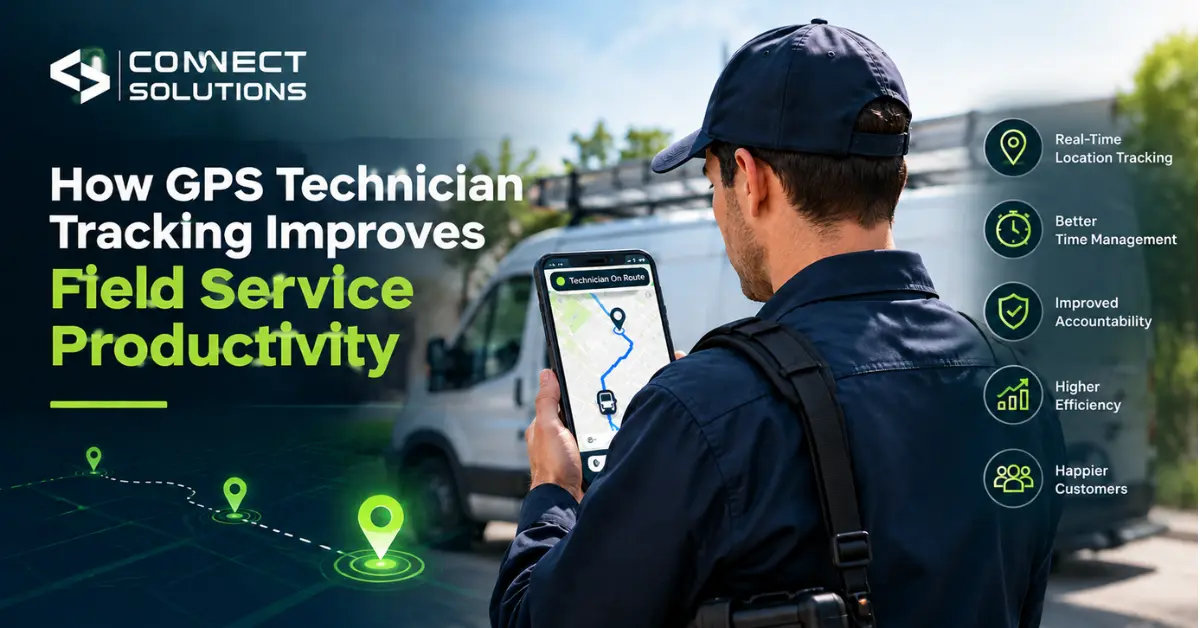
Just speak to any field service manager and ask him or her what exactly takes up their time in the day, and you will find out that a large part of it consists of not being sure where exactly their people are. GPS Technician Tracking work in one customer location after another during the day. Without any visibility, the manager is left wondering whether the technician has arrived at the location or not, and why the task is suddenly delayed.
That gap is exactly what GPS technician tracking closes. It hands managers real-time visibility into where technicians actually are, which makes job assignment easier, routes better planned, progress simple to check, and cuts down the travel time and delays that used to require a phone call to even notice.
That matters just as much in the UAE as anywhere else, whether a team’s covering Dubai one day and Abu Dhabi the next.
What Is GPS Technician Tracking?
In plain terms, it’s software that uses GPS through a mobile device or app to show where a technician is and what they’re doing, live.
Usually that covers:
- Current technician location
- Travel route
- Job status
- Arrival and departure times
- Location history
- Task progress
If you’re wondering what a real-time tracking system actually is, that’s it. Nothing flashy, just visibility that used to mean picking up the phone.
How Does GPS Tracking Improve Field Service Productivity?
1. Gives Managers Real-Time Visibility
A manager can glance at a map instead of calling to check where someone is. Nobody gets pulled out of a job halfway through just to answer a question GPS already answers on its own.
2. Helps Assign Jobs More Efficiently
Work goes to whoever’s closest, free, and actually available, not whoever happens to answer first. That means factoring in:
- Technician location
- Availability
- Current workload
- Job requirements
A lot of field service platforms are built exactly around this, assigning jobs by location and availability instead of leaving it to whoever’s phone rings loudest.
3. Reduces Unnecessary Travel Time
Once a manager can actually see where every technician is, sending the nearest one to a job stops being a guess. Route visibility trims the kind of backtracking that quietly burns hours across a week without anyone noticing until payday.
4. Improves Job Status Tracking
Technicians move a job through stages as they go: Assigned, En Route, On Site, In Progress, Completed. Small thing, but it gives a much clearer picture of the day’s real workload than a rough mental tally ever could.
5. Improves Accountability
With the use of GPS locations as well as activity logs, it is easier to track the actual arrival time and duration of any task without having to rely on whatever was submitted later. In addition, some applications will allow you to do even more by connecting live location with attendance records, scheduling, and activity logging in one place rather than several.
What Are Some Ways to Track Employees in Real Time?
GPS Mobile Tracking
A mobile app shares a technician’s location automatically as they move from job to job.
Geofencing
Boundaries can be virtually created by businesses for offices or customer or service locations so that the system recognizes when someone crosses them.
Mobile Check-In and Check-Out
Location gets logged the moment a job starts or ends, no manual entry, no forgetting to write it down.
Field Service Management Software
GPS often gets bundled with scheduling, task management, job cards, and reporting, so location data actually feeds decisions instead of just sitting there.
Some UAE-focused platforms combine GPS location, mobile clock-in and clock-out, task assignment, route optimization, and offline functionality into one system, which matters a lot when a job site doesn’t have reliable signal.
5 Ways GPS Technician Tracking Saves Time for Field Service Teams
- Faster technician dispatch: the nearest free person gets the job, not whoever picked up first
- Less unnecessary travel: route visibility means fewer pointless trips across town
- Faster response to service requests: managers react the moment a new job lands, not after a delay
- Fewer manual status calls: technicians update their own status, so nobody’s chasing anyone
- Better daily scheduling: real location and job data make planning tomorrow a lot less guesswork
Stack these up across a week and the time saved adds up faster than it looks on paper.
GPS Technician Tracking vs Traditional Field Tracking
| Feature | Traditional Tracking | GPS Technician Tracking |
| Technician location | Phone calls, manual updates | Real-time GPS |
| Job assignment | Manual | Location-based |
| Route planning | Often manual | GPS-supported |
| Job status | Calls or messages | Mobile updates |
| Attendance | Manual timesheets | GPS check-in and check-out |
| Activity history | Limited | Location and task history |
| Manager visibility | Delayed | Real time |
Laid out side by side like this, it’s not hard to see why so many teams have quietly dropped phone-based tracking altogether.
Curious what this would actually look like for your team? Connect Solutions can walk you through it. Call +92 300 1110365 or +971 457 13703 (UAE), or email info@connect-sol.com.
How Does GPS Tracking Help Field Technicians in the UAE?
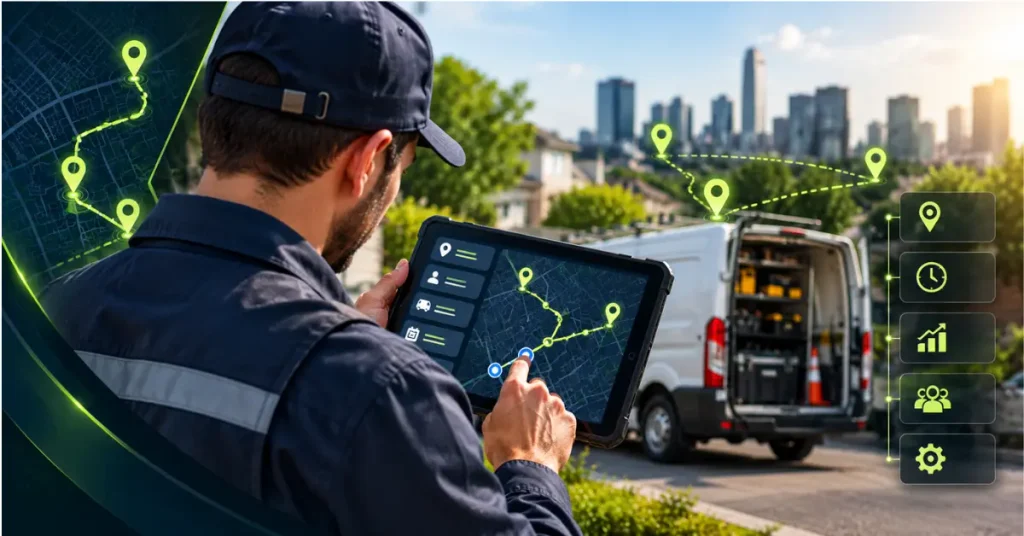
Field service in the UAE has its own headaches: customer locations scattered across the city, traffic that eats into travel time no matter how well you plan, technicians bouncing between Dubai and Abu Dhabi in the same week, and job sites that are sometimes just plain remote.
GPS-based mobile workforce management helps with all of that, plus a few things specific to the region:
- GPS-based attendance tracking
- Geofencing around job sites or service zones
- Offline tracking for areas where signal isn’t guaranteed
Some UAE platforms also feed GPS attendance data into payroll and WPS-related processes, though that’s more of a side benefit here. The main win for most teams day to day is still productivity, not the compliance angle.
What Should You Look for in Technician Tracking Software?
Run through this before picking anything:
- Real-time GPS tracking
- Live technician map
- Job scheduling
- Task assignment
- Route optimization
- Geofencing
- Mobile app
- Offline functionality
- Job status updates
- Reporting and analytics
- Attendance integration
No single tool is the objectively “best” pick for every business. This list is really just what tends to actually matter for most field service teams.
Is There a Free Time Tracking App Available for Contractors?
Sure, there are free apps that handle basic time and location tracking fine for a solo contractor or a tiny team. The trouble is they usually run out of road fast the moment more than one or two technicians are involved.
Once a team grows, most businesses end up needing:
- GPS tracking
- Task management
- Scheduling
- Route planning
- Reports
- Attendance
- Customer and job records
The real question was never whether something’s free. It’s whether it covers the actual workflow your team runs on day to day.
What Is the Best Tracking Software?
Chasing a “best” label isn’t really the useful question here. What matters more is matching software to how your team actually works. Worth thinking through:
- Number of technicians
- Type of field work
- GPS accuracy
- Job scheduling requirements
- Route planning needs
- Mobile app usability
- Offline capability
- Reporting needs
- Integration with existing systems
- UAE-specific requirements
Get these right, and you’ll land on the right fit a lot faster than scrolling through comparison charts.
How to Measure Productivity After Implementing GPS Tracking
Rolling GPS tracking out is really only half the job. The value shows up once you actually start watching the numbers it generates:
- Jobs completed per technician
- Average travel time
- Average response time
- On-time arrival rate
- Jobs completed per day
- Technician utilization
- Repeat visits
- Time spent on site
GPS tracking earns its keep once this data actually shapes scheduling and workflow decisions, not when it’s just sitting there showing dots on a map.
Frequently Asked Questions
How do you track field technicians in real time?
Through a GPS-enabled mobile app sharing live location, job status, and route data as they work.
What are the benefits of technician tracking software?
Better visibility, faster job assignment, less wasted travel, and clearer accountability.
How does GPS tracking help field service teams?
It swaps guesswork and phone calls for real-time data on location, progress, and availability.
Is GPS tracking useful for small field service businesses?
Yes, even a small team gets faster dispatch and fewer manual status updates out of it.
Conclusion
Field service productivity usually comes down to how much time gets wasted on things GPS tracking answers instantly. The advantages of real-time visibility, better job scheduling, and efficient reports make a big difference during the course of the week, and for those operating in the UAE region, the advantage is significant. If you would like to know how this works for your organization, please contact Connect Solutions at +92 300 1110365, +971 457 13703, or info@connect-sol.com.