“Where is the technician?” is probably the single most-asked question inside any UAE service company’s office. It gets asked by dispatchers, by managers, and most often, by customers who’ve been waiting longer than they were told they’d wait.
Technician tracking software exists to make that question unnecessary. Not by adding more phone calls or check-in messages, but by capturing location, attendance, and job proof automatically, as part of the technician’s normal workflow.
This is a practical look at what technician tracking actually involves, why GPS tracking alone isn’t enough, and how it works day-to-day for a field team operating across Dubai, Abu Dhabi, Sharjah, or Ras Al Khaimah.
What Technician Tracking Software Actually Covers
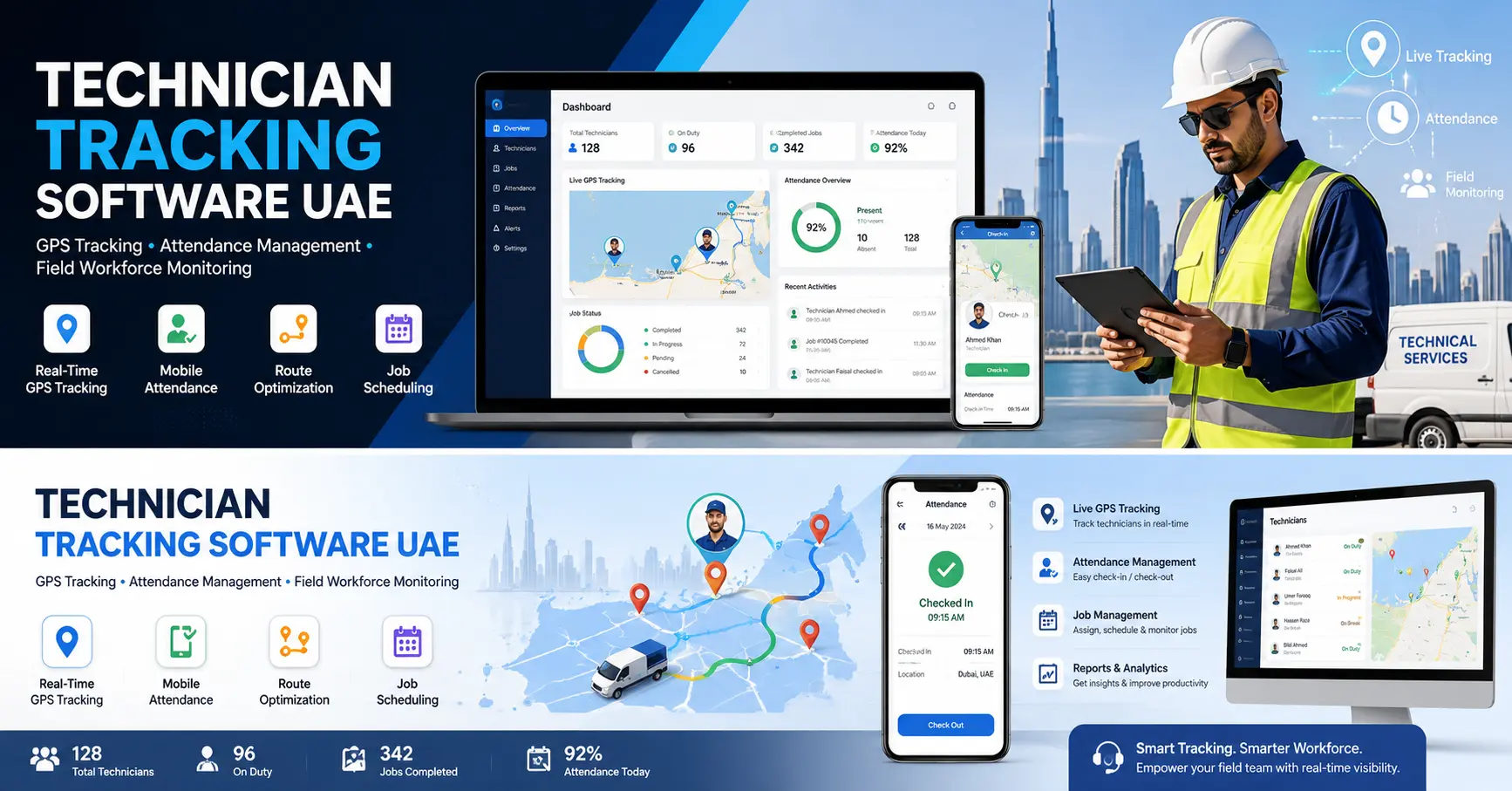
“Technician tracking” sounds like it just means a dot on a map, but a proper system covers three connected things:
- GPS location tracking: where the technician is, in real time and historically
- Attendance tracking: when they checked in, checked out, and took breaks, tied to a real location
- Job proof: evidence that the work was actually done, where and when it was supposed to happen
Miss any one of these, and you’re left with gaps. GPS without attendance tells you where someone is but not whether they’re actually working. Attendance without job proof tells you someone checked in at a site, but not what they did once they got there.
Why GPS Alone Isn’t Enough
A lot of businesses assume GPS tracking is the whole solution: install an app, see the technician’s location, done. In practice, GPS on its own answers “where” but not “what happened.”
Good technician tracking software captures location at specific, meaningful moments in the job, not just a constant background ping:
- Travel start: when the technician begins heading to the job
- Arrival: when they reach the customer’s location
- Job start: when work actually begins
- Job completion: when work is finished
- Any status change: so every update is tied to a real place and time
This turns GPS data from a vague “somewhere in the city” map into a timeline that matches the job’s actual events useful for dispatch, useful for SLA reporting, and genuinely useful in a warranty or customer dispute, where “prove the technician was there” is a real conversation that comes up more often than most companies expect.
Attendance Tracking: Beyond a Manual Sign-In SheetSLA reporting
For field teams, standard office attendance systems don’t really work; there’s no single desk to badge into. UAE service companies need attendance tracking built for people who start their day at a job site, not an office.
That means:
- Check-in and check-out tied to GPS location, not just a timestamp
- Break tracking starts and stops, so working hours are accurate
- A team presence dashboard showing who’s checked in, checked out, or on break, live
- Face verification at check-in, to confirm it’s actually the technician clocking in, not someone else using their phone
That last point matters more than it might seem. Buddy punching, one technician clocking in for another, is a real, common problem in field teams, and it directly affects payroll accuracy and accountability. Face verification with a liveness check (confirming it’s a real person in front of the camera, not a photo) closes that gap without adding friction to the technician’s day.
Streamline Your Technician Tracking Today
Streamline your complaint resolution and technician dispatching with Connect Solutions. Let us show you what our platform can do using your real operational scenarios.
- Schedule: Book a Demo with Connect Solutions
- Call/WhatsApp (PK): +92 300 1110365
- Call (UAE): +971 457 13703
- Email: info@connect-sol.com
Job Proof: The Part Customers Actually Care About
Ask any UAE facility manager what they actually want from a service visit, and “proof it happened properly” is close to the top of the list. Job proof typically includes:
- Before and after photos, uploaded directly from the technician’s phone
- Location and timestamp attached to each photo
- Notes and remarks logged against the specific job
- Digital customer sign-off: a signature or approval captured on the spot, not chased down later by phone
This matters commercially, not just operationally. A facility management contract, a warranty claim, or a dispute over whether a job was actually completed all get resolved faster, and in your favor, when there’s a timestamped, geo-tagged photo record instead of “the technician said he did it.”
How Connect Solutions Handles Technician Tracking
Connect Solutions combines GPS, attendance, and job proof into one system, so none of it depends on a technician remembering to update a separate app.
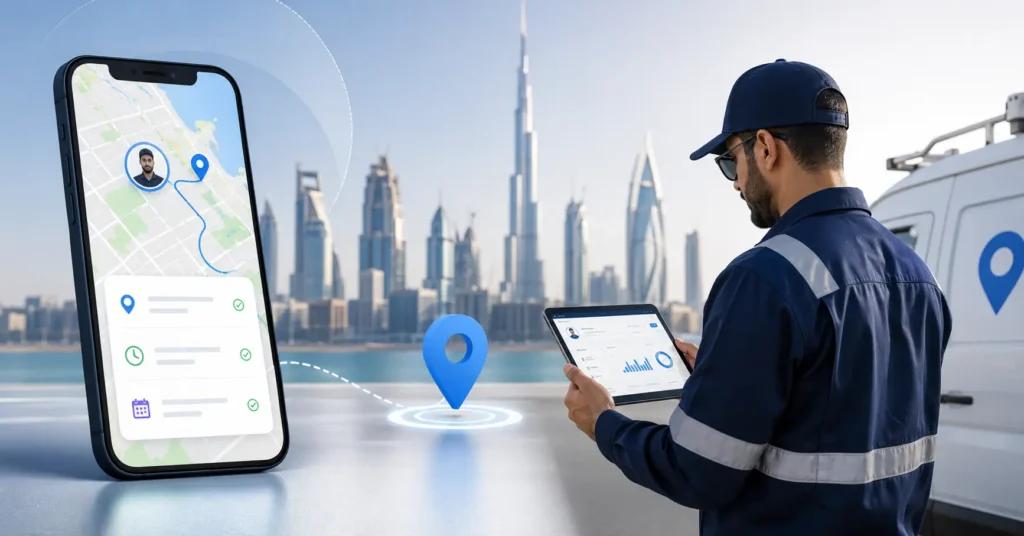
- Live technician map: Every technician’s current status on site, travelling, or offline is visible on a live map, with GPS captured automatically at travel start, arrival, job start, and job completion.
- Full travel and work history: Every job carries a complete travel history (GPS route between locations) and working history (start/stop times), so the timeline of a job is reconstructable at any point later.
- Geo-verified attendance: Check-in, check-out, and break tracking are all tied to actual location, visible on a Team Presence dashboard showing who’s checked in and where, in real time.
- Face recognition with liveness check: Attendance and job start/stop can require a face punch, verified against the technician’s registered profile photo with a liveness check to confirm it’s a real, live person, not a photo held up to the camera. Face registration requests go through an admin approval flow before they’re active.
- Digital job proof: Technicians upload photos, notes, and attachments directly against the job from the mobile app, with GPS and timestamp attached automatically building a proof record without anyone needing to manually compile one later.
What This Means for a UAE Service Business Day-to-Day
The practical effect of proper technician tracking shows up in a few specific ways:
- Dispatch decisions get faster because a manager can see who’s actually free and nearby instead of calling around.
- Payroll disputes drop because attendance is tied to verified check-ins, not a shared sign-in sheet.
- Customer disputes resolve faster, because there’s a timestamped, located photo record instead of a “he said, she said.”
- SLA reporting becomes accurate because job timing comes from real GPS events, not a technician’s end-of-day summary.
None of this requires micromanaging technicians. It’s closer to the opposite: once GPS, attendance, and job proof are automatic, managers spend less time chasing status updates and more time actually managing the business.
Is Technician Tracking Software Intrusive for Employees?
This comes up often, and it’s a fair question. The honest answer is that location and attendance are captured during work hours, tied to specific job events, and used for dispatch and accountability — not continuous personal surveillance. Most technicians actually prefer it once they’re using it, because it removes the “prove you were there” burden from them personally. The GPS timeline and photo proof do that job automatically.
FAQs
Does Technician Tracking Software UAE work without constant internet connectivity?
Good field apps are built to log key events locally and sync when connectivity returns, since technicians frequently work in basements, plant rooms, or areas with poor signal.
Can face verification be bypassed by a technician?
A liveness check specifically prevents someone from using a static photo to fake a face punch, and all face registration changes go through admin approval before they’re active.
Is GPS tracking only useful for large teams?
No. Even a team of five or six technicians benefits from live dispatch visibility and accurate SLA reporting — the coordination problem exists at any team size.
What happens to GPS and attendance data over time?
It builds into a full travel and working history against each job and each technician, useful for performance review, payroll, and resolving any dispute about a specific visit.
Streamline your complaint resolution and technician dispatching with Connect Solutions. Let us show you what our platform can do using your real operational scenarios.
- Schedule: Book a Demo with Connect Solutions
- Call/WhatsApp (PK): +92 300 1110365
- Call (UAE): +971 457 13703
- Email: info@connect-sol.com